
JellyPy automatically keeps your Sonarr and Radarr in sync with what you're actually watching in Jellyfin. Stop manually managing your media library. Watch an episode? It's automatically monitored. Finish a movie? It's automatically removed from your watchlist.
Version: v2.1.0.0 | License: GPLv3 | Requirements: Jellyfin 10.10.0+, Sonarr v3 API (optional), Radarr v3 API (optional)
Sonarr Integration
- Automatically monitor next N episodes after watching
- Smart file detection (skip re-downloads)
- Season-only monitoring option
- Dynamic buffer for unwatched episodes
- Auto-search for newly monitored episodes
Radarr Integration
- Auto-unmonitor after watching (configurable %)
- Quality target checking
- Prevent unmonitoring upgradeable movies
Custom Script Execution
- Run custom Python scripts on Jellyfin events
- AES-256 encrypted API keys
- Server-bound encryption (survives OS changes)
- Built-in connection testing
Installation
Easy Way (Recommended)
- Jellyfin Dashboard → Plugins → Repositories
- Add:
https://raw.githubusercontent.com/caleb-venner/jellypy/main/manifest.json - Catalog → Search "JellyPy"
- Install → Restart Jellyfin
Manual Installation
Download the latest Jellyfin.Plugin.JellyPy.dll from Releases and copy to your plugins directory:
- Linux:
/var/lib/jellyfin/plugins/Jellypy/ - Windows:
C:\ProgramData\Jellyfin\Server\plugins\Jellypy\ - Docker:
/config/data/plugins/Jellypy/
Restart Jellyfin after installation.
Docker Installation with Script Execution Support
For script execution features, use the linuxserver.io Jellyfin image with Python support enabled:
services:
  jellyfin:
    image: lscr.io/linuxserver/jellyfin:latest
    container_name: jellyfin
    environment:
      - PUID=1000
      - PGID=1000
      - TZ=Australia/Sydney
      - DOCKER_MODS=linuxserver/mods:universal-package-install
      - INSTALL_PIP_PACKAGES=requests
    volumes:
      - /path/to/config:/config
      - /path/to/media:/data
    ports:
      - 8096:8096
    restart: unless-stopped
Note: The linuxserver.io image includes Python 3 by default. The universal-package-install mod enables pip package installation for custom scripts.
Configuration
JellyPy integrates into your Jellyfin dashboard. Navigate to Dashboard → Plugins → JellyPy → Settings to configure:
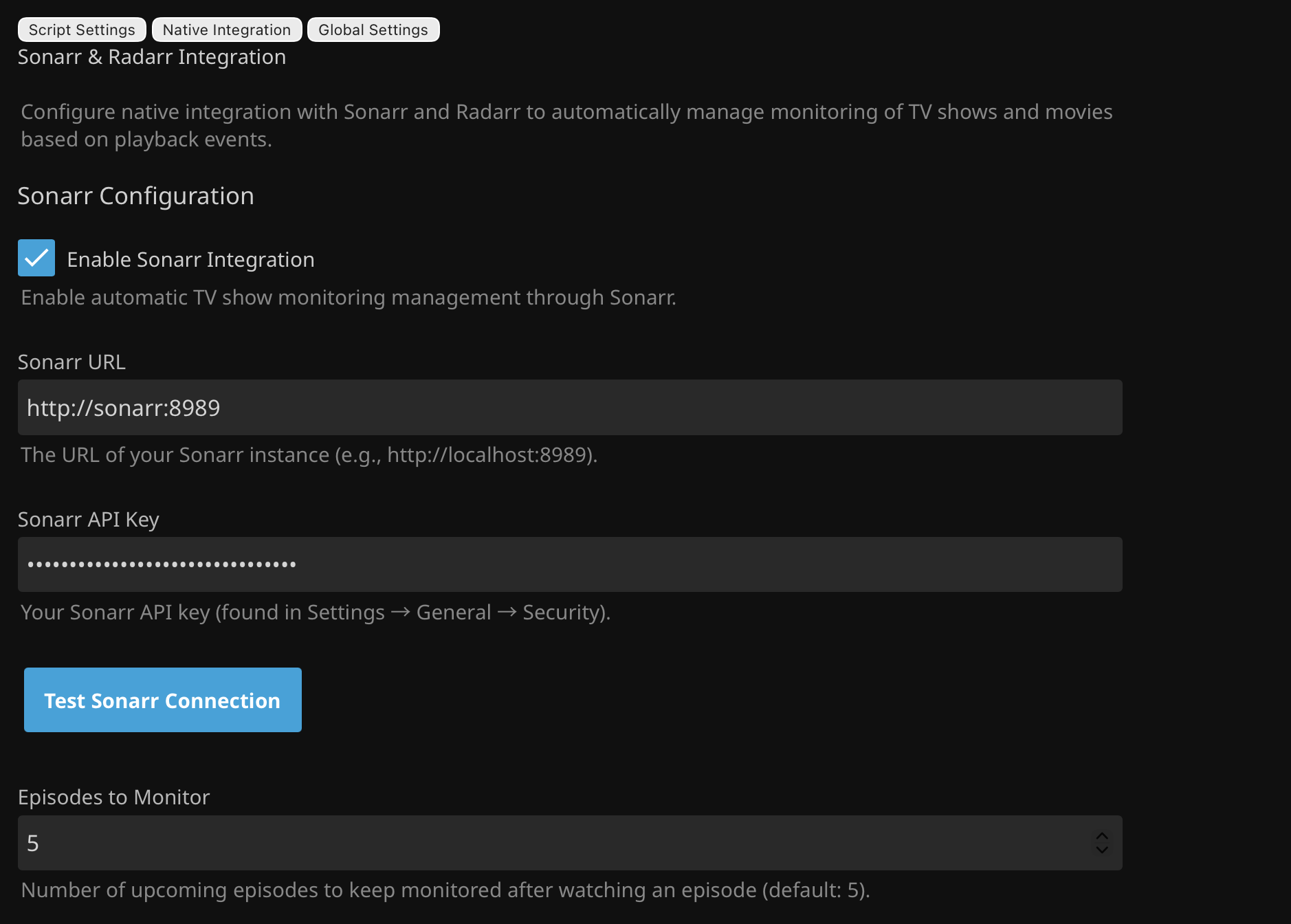
Sonarr Setup
- Sonarr URL: e.g.,
http://localhost:8989 - API Key: Found in Sonarr → Settings → General → Security
- Episodes to Monitor: Number of upcoming episodes to keep monitored
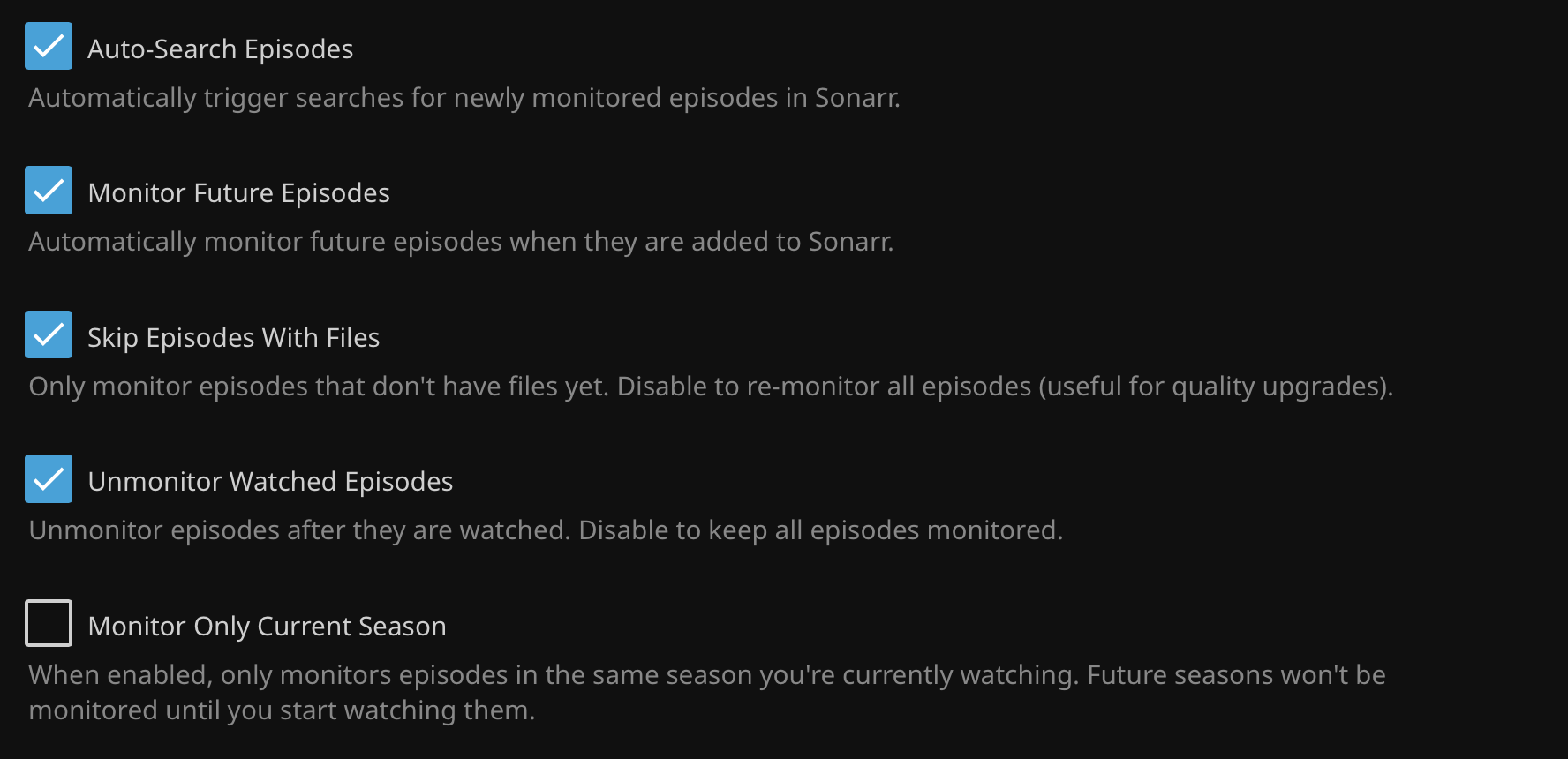
- Auto-Search Episodes: Trigger searches for monitored episodes
- Monitor Future Episodes: Auto-monitor when episodes become available
- Skip Episodes With Files: Don't re-monitor episodes with existing files
- Minimum Episode Buffer: Maintain minimum unwatched episode count
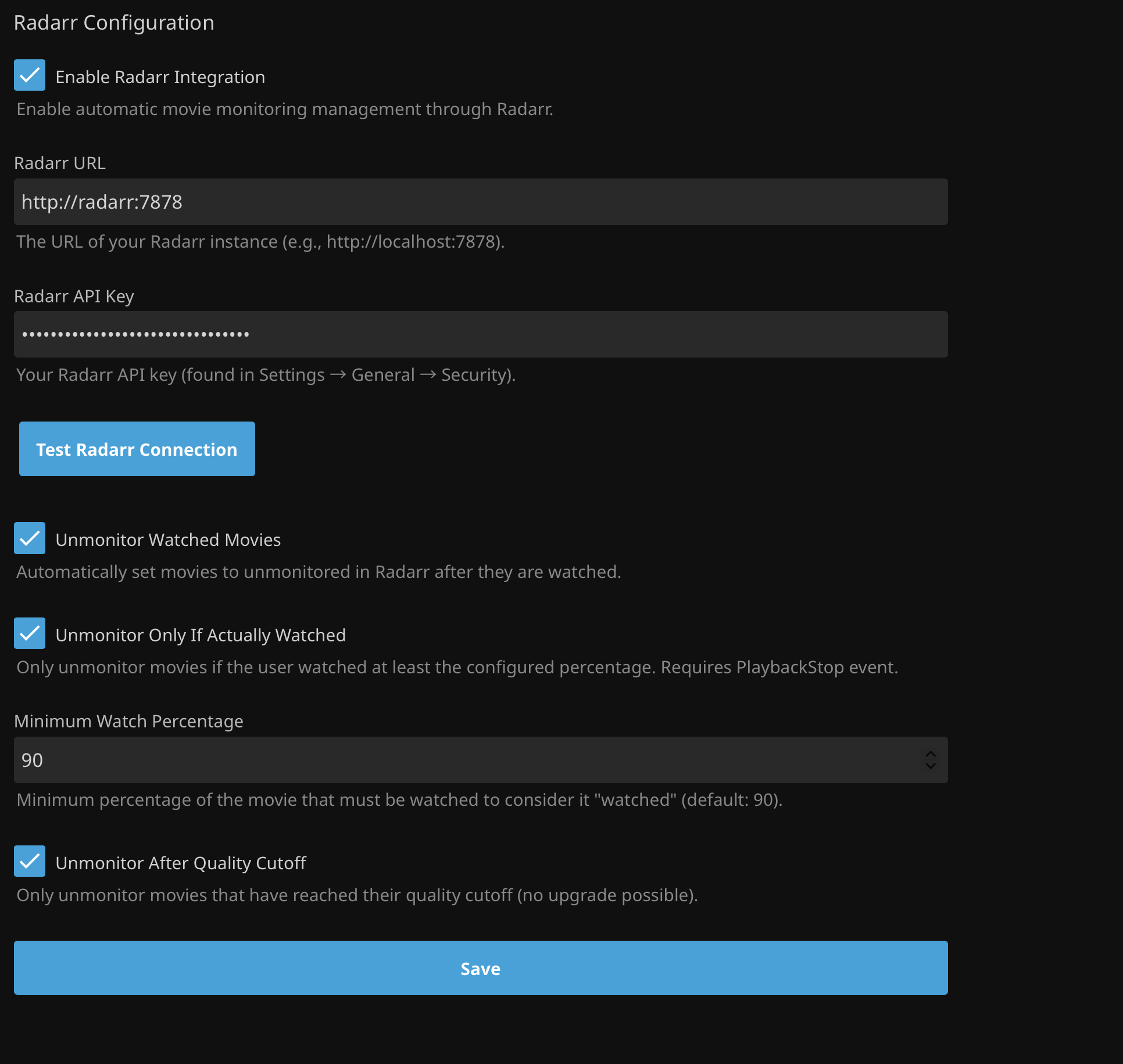
Radarr Setup
- Radarr URL: e.g.,
http://localhost:7878 - API Key: Found in Radarr → Settings → General → Security
- Unmonitor Watched Movies: Set movies to unmonitored after watching
- Minimum Watch Percentage: Default 90% - consider movie "watched"
- Unmonitor After Quality Cutoff: Only unmonitor movies at quality target
Security
API keys are automatically encrypted with AES-256 using your Jellyfin server's unique key. The encryption is server-bound and survives OS updates, machine renames, and user changes. Use the Test Connection buttons to verify your settings.
Custom Scripts
Execute Python scripts on Jellyfin events with flexible triggers and environment variables. See the Script Execution Guide for detailed usage.
Screenshots
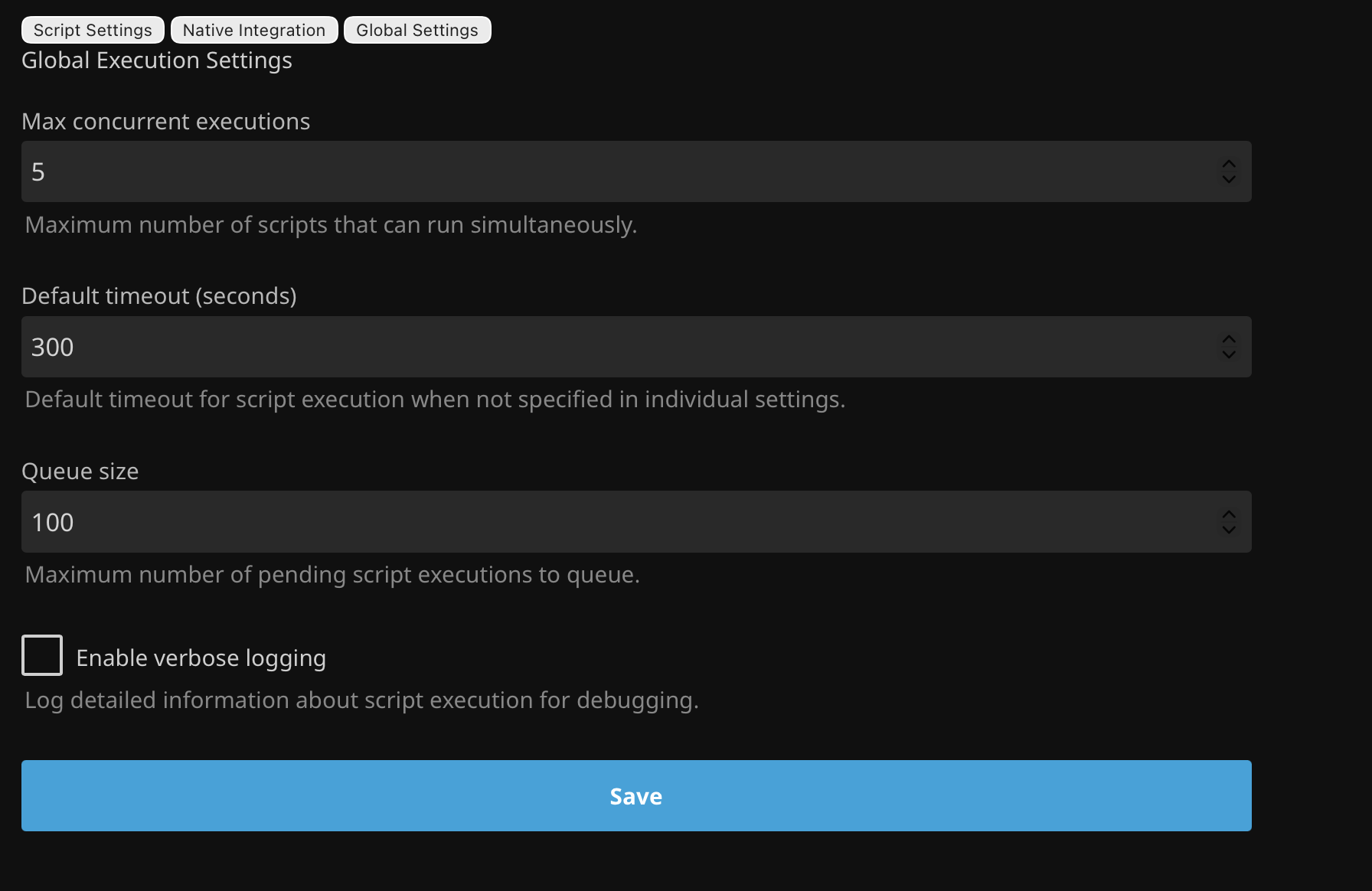
Global
Sonarr
Radarr
Troubleshooting
Plugin Not Working
- Check Jellyfin logs: Dashboard → Logs → Filter: "JellyPy"
- Verify API keys work in Sonarr/Radarr directly
- Check network connectivity from Jellyfin server
- Confirm integration is enabled in settings
- Ensure URLs include
http://orhttps://
Episodes Not Monitoring
- Verify "Episodes to Monitor" > 0
- Check "Skip Episodes With Files" setting
- Ensure series exists in Sonarr
- Review Sonarr logs for API errors
Movies Not Unmonitoring
- Verify "Unmonitor Watched Movies" is enabled
- Check watch percentage in logs (must exceed threshold)
- Confirm movie exists in Radarr
- Review quality cutoff settings if enabled
Enable Verbose Logging
For detailed debugging information, enable verbose logging in Dashboard → Plugins → JellyPy → Global Settings.